Activities and history
Keep a record of the things you do again and again. Archive an activity when it is out of view; archived activities still count toward the Free limit until deleted.
Sidst helps you keep track of recurring activities: when you last did them, their history and when they need attention again. Local reminders and optional Apple Calendar integration can help you stay on track.
These screenshots show the current Danish Sidst interface. Scroll sideways to see all four iPhone screens.
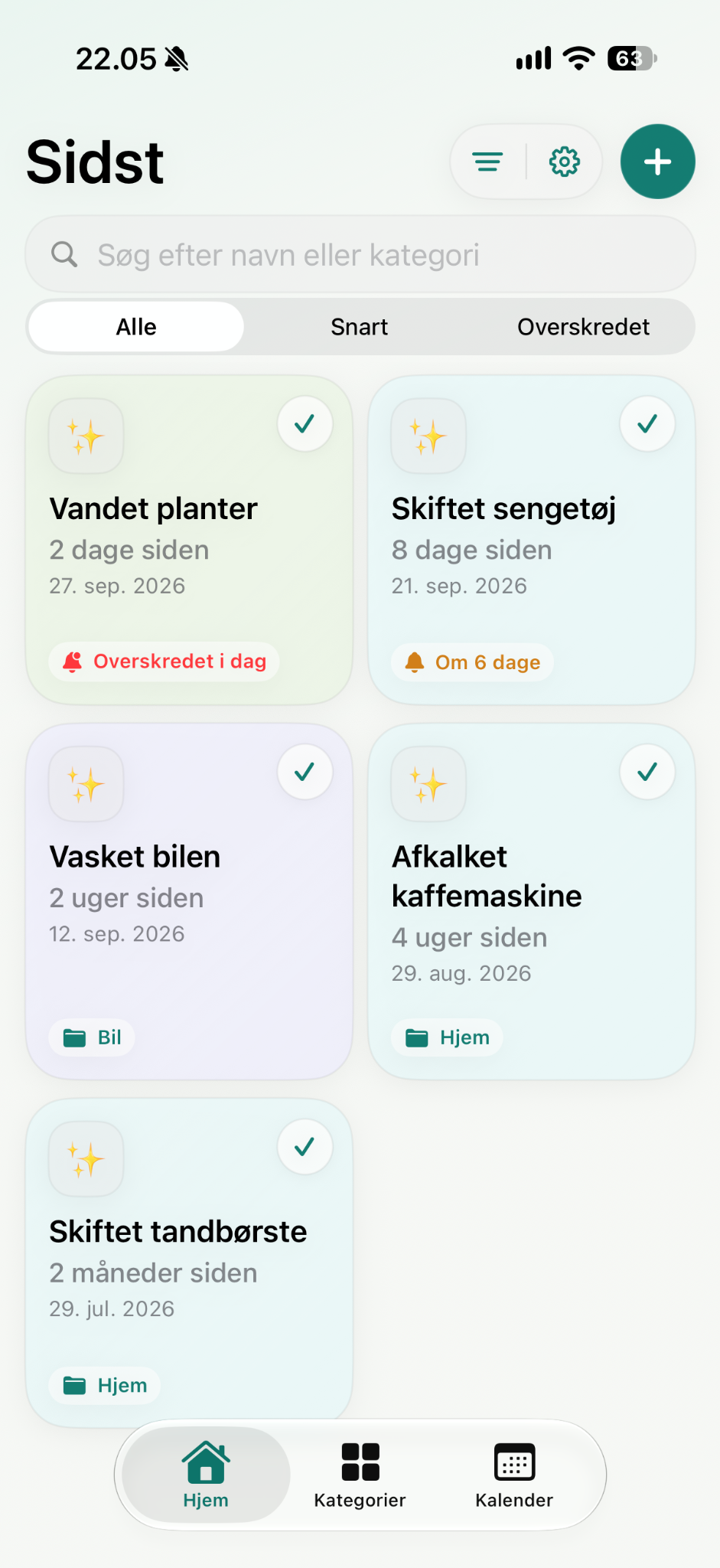
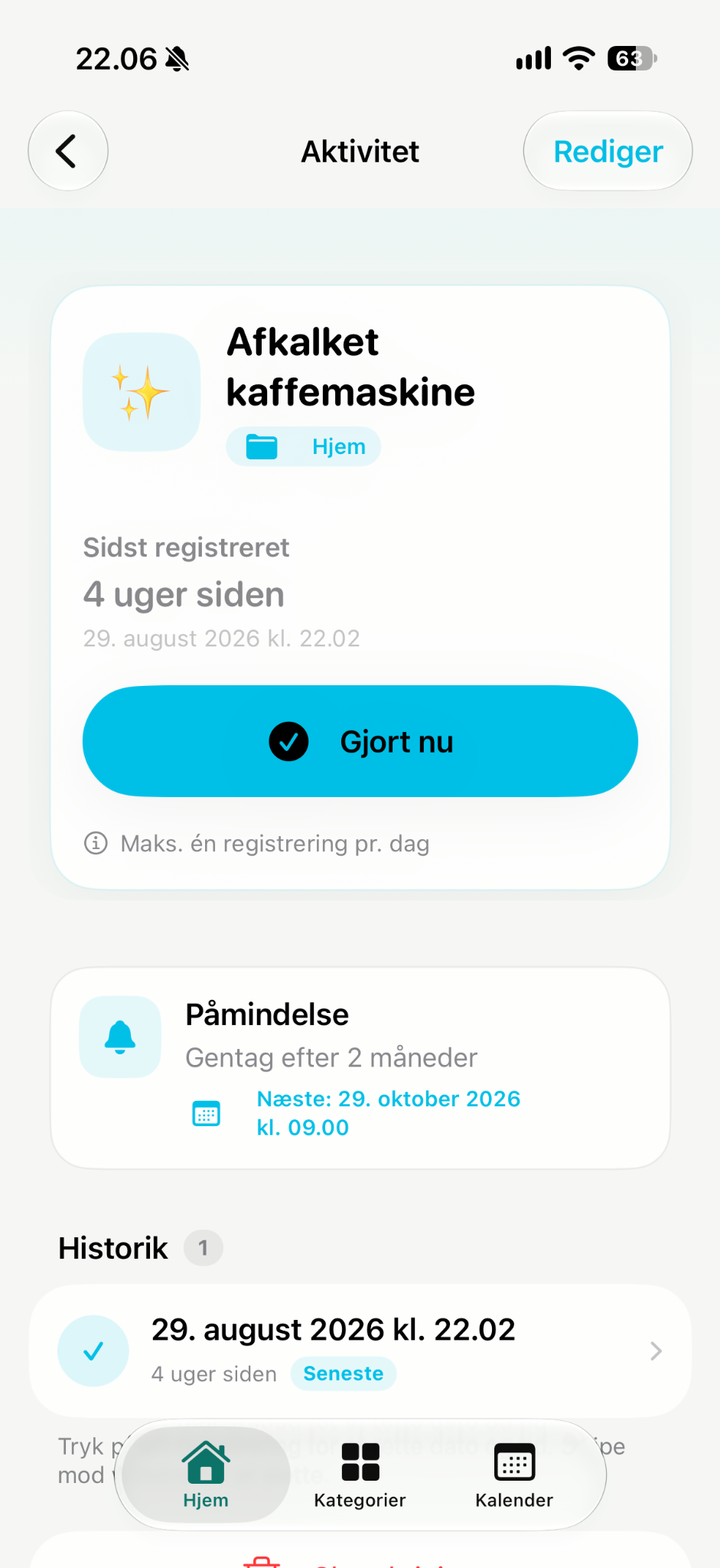
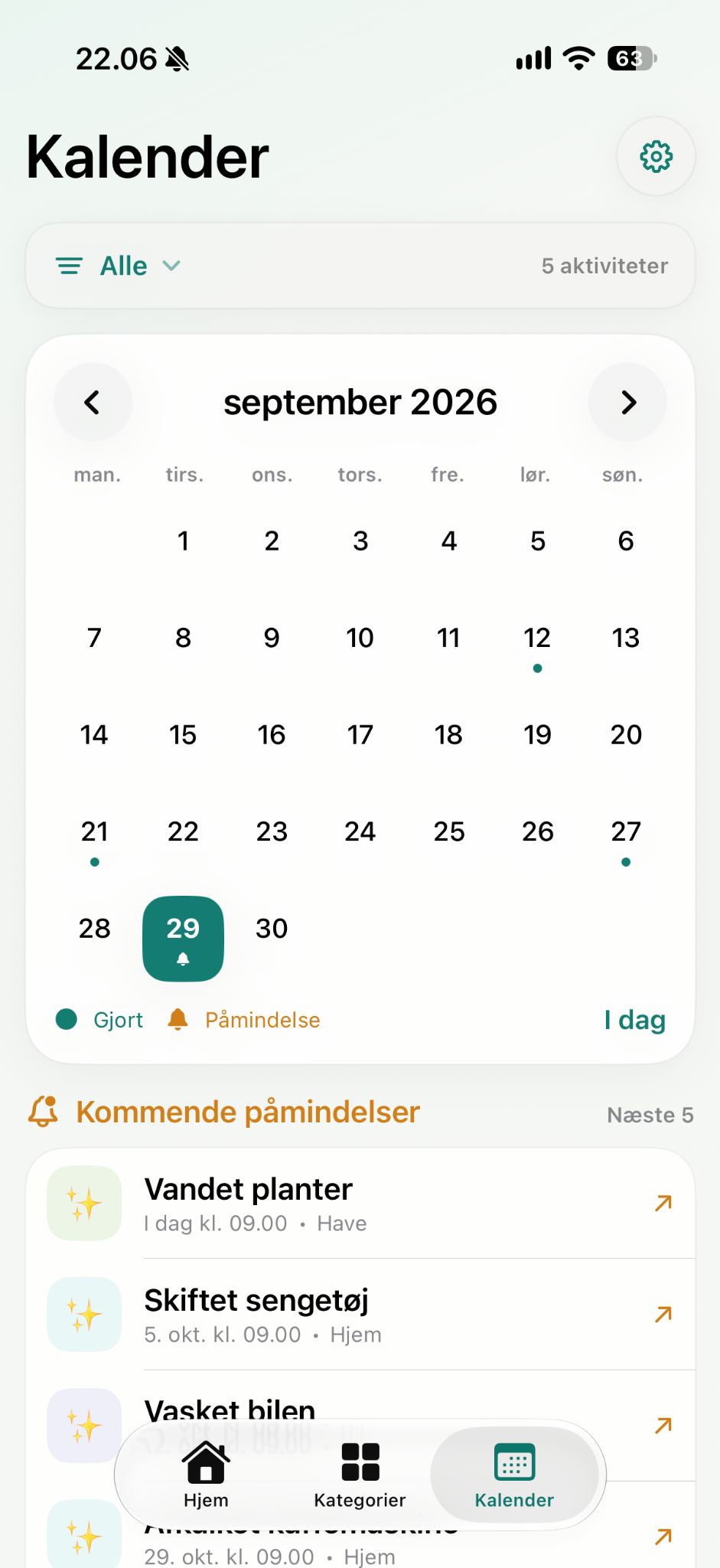
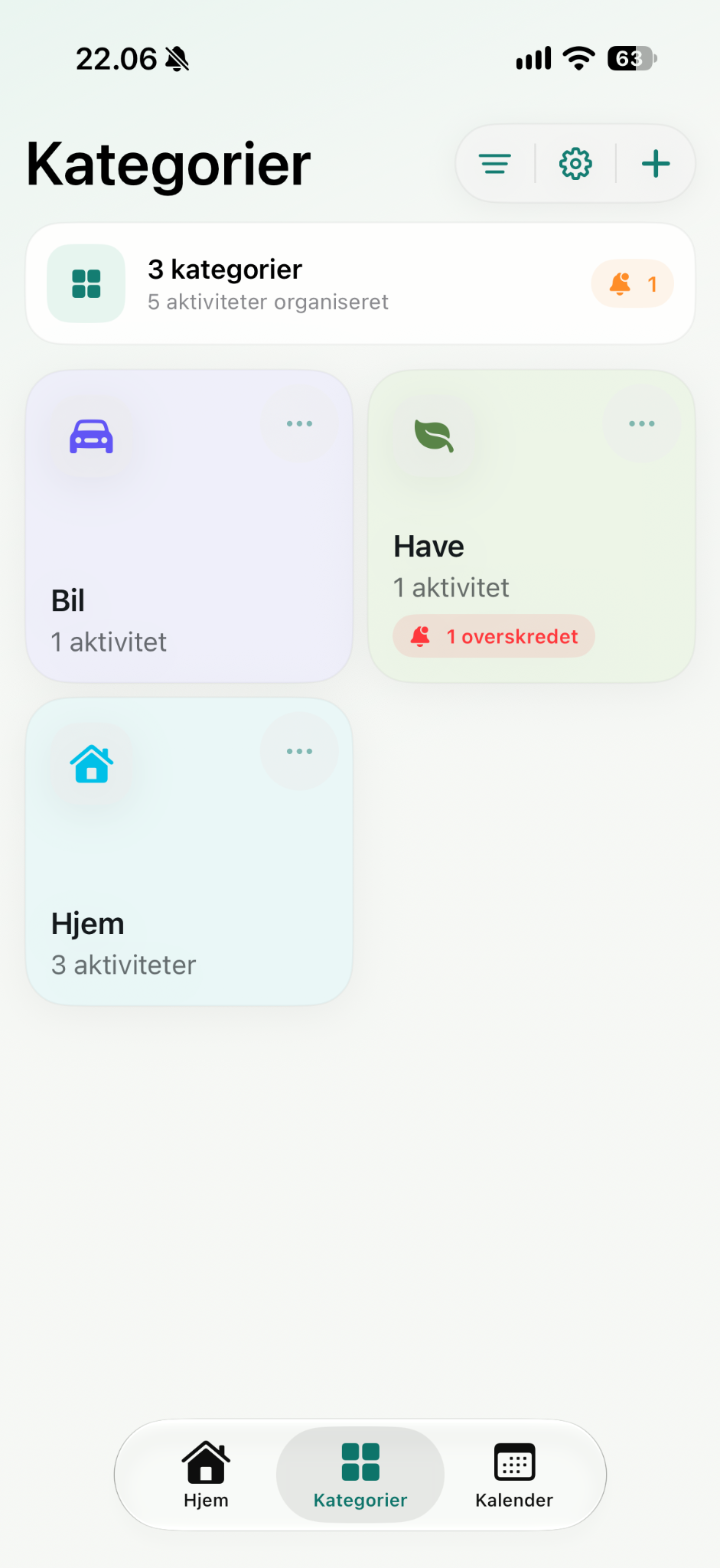
Create activities, record when they were done and see their history. Set a repeat interval and use reminders when you want a heads-up.
Keep a record of the things you do again and again. Archive an activity when it is out of view; archived activities still count toward the Free limit until deleted.
Schedule local iOS reminders. Optionally connect Apple Calendar: Sidst creates and uses a dedicated Sidst calendar for its events.
Export a JSON backup from Settings and import it later. Sidst also keeps an internal local recovery copy to help protect against interrupted storage writes.
Start in the app's Settings for permissions, backups and purchases. If something still does not work, email us directly.
Sidst Free allows five non-deleted activities. Archived activities count; deleting one frees a place. Sidst Plus removes the cap with a one-time, non-consumable App Store purchase. It is not a subscription. Existing or imported activities above five stay available; Free only blocks creating more when the limit has been reached.
If Plus was bought with your Apple Account, open Sidst Plus in Settings and tap Restore purchases. Sidst checks verified StoreKit entitlement at launch too. If restoration fails, contact support with the error shown; do not email payment card details.
Check notification or calendar access in iOS Settings if a reminder or calendar event is missing. Calendar sync uses only Sidst's dedicated calendar. For backup, use Sidst's export or import controls in Settings and check the file location you selected.
Sidst does not require a SABONEX account or send activity history to a SABONEX backend. Apple services are used for optional calendar access and App Store purchases.
Email info@sabonex.com with a short description, your iPhone and iOS version, and what you tried. Please avoid including private activity details unless needed to explain the issue.