
Today and tomorrow
Switch between today's and tomorrow's recommendation. The app uses temperature, apparent temperature, rain, wind and UV from Apple Weather/WeatherKit.
BørneVejr helps you choose clothes for your child using the forecast and their profile. See practical guidance for Today and Tomorrow, tailored to your selected time window.
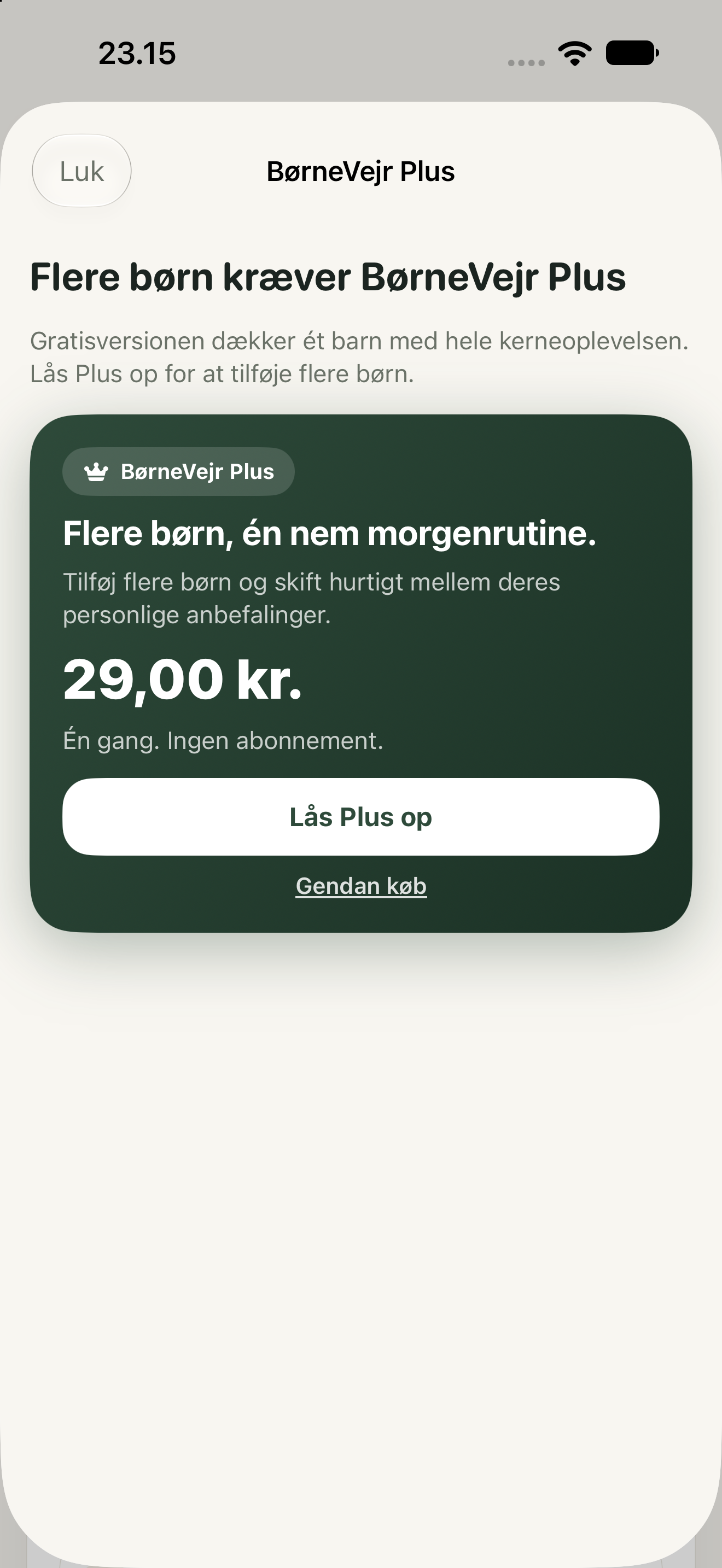
See how BørneVejr turns the selected day's forecast into practical clothing guidance. These screenshots illustrate the earlier app version and may not show the latest privacy wording. Scroll sideways to explore all six iPhone screens.
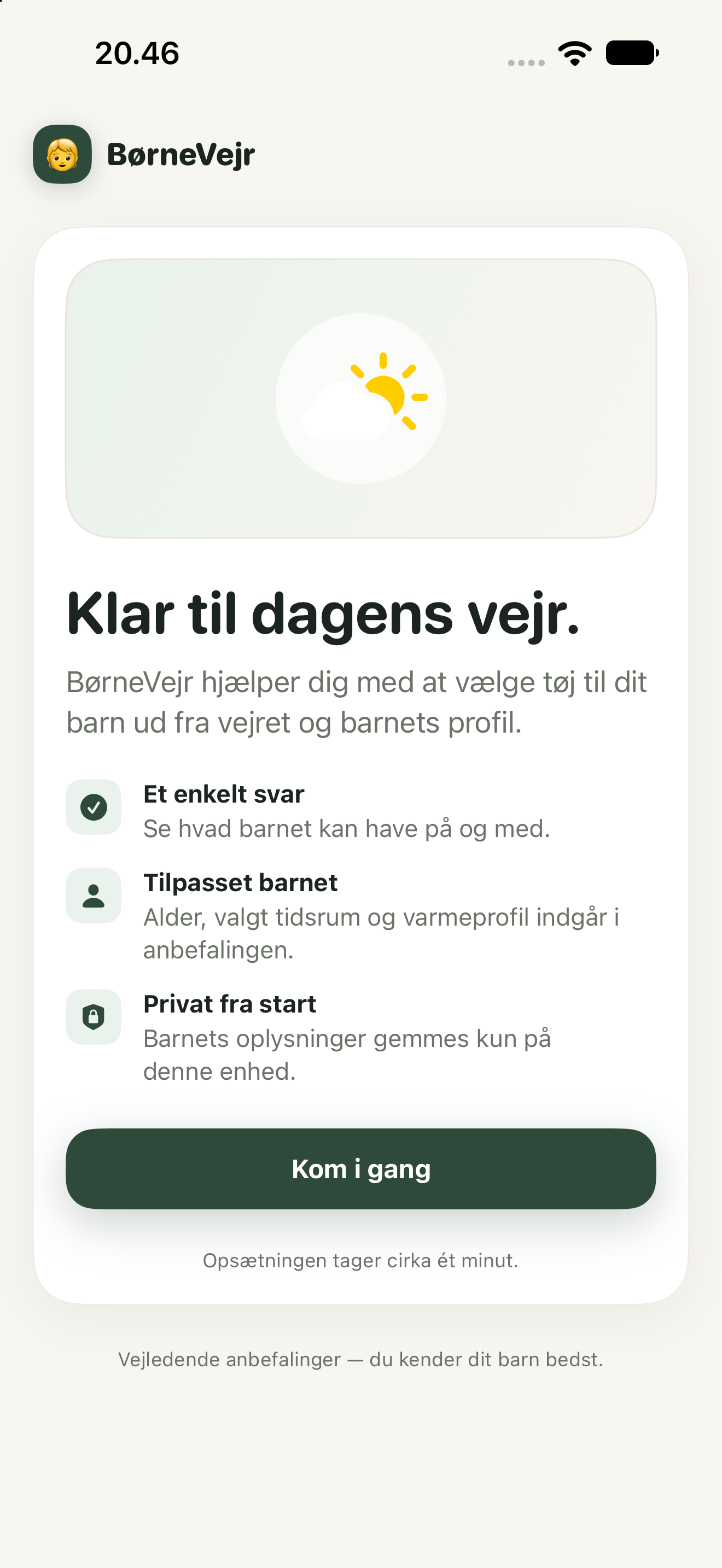
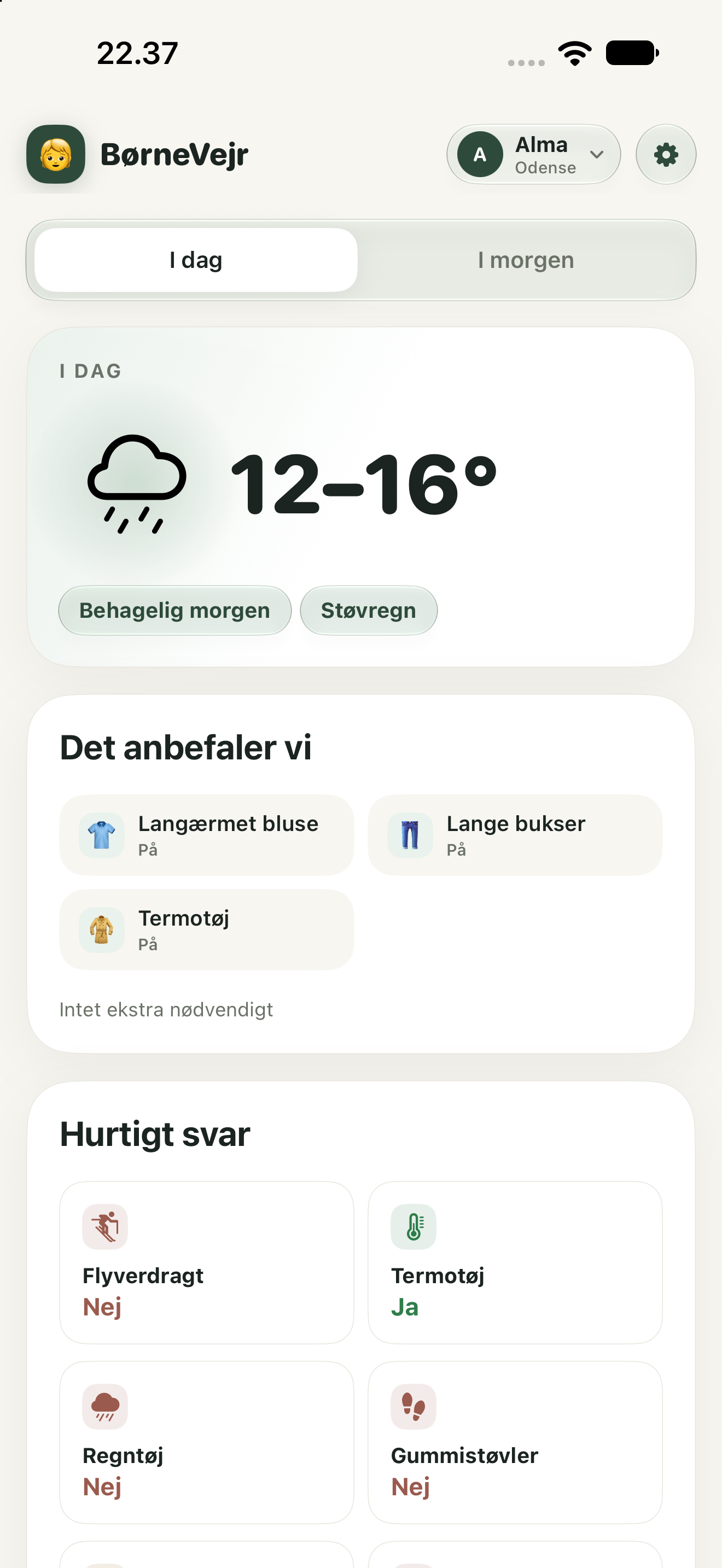
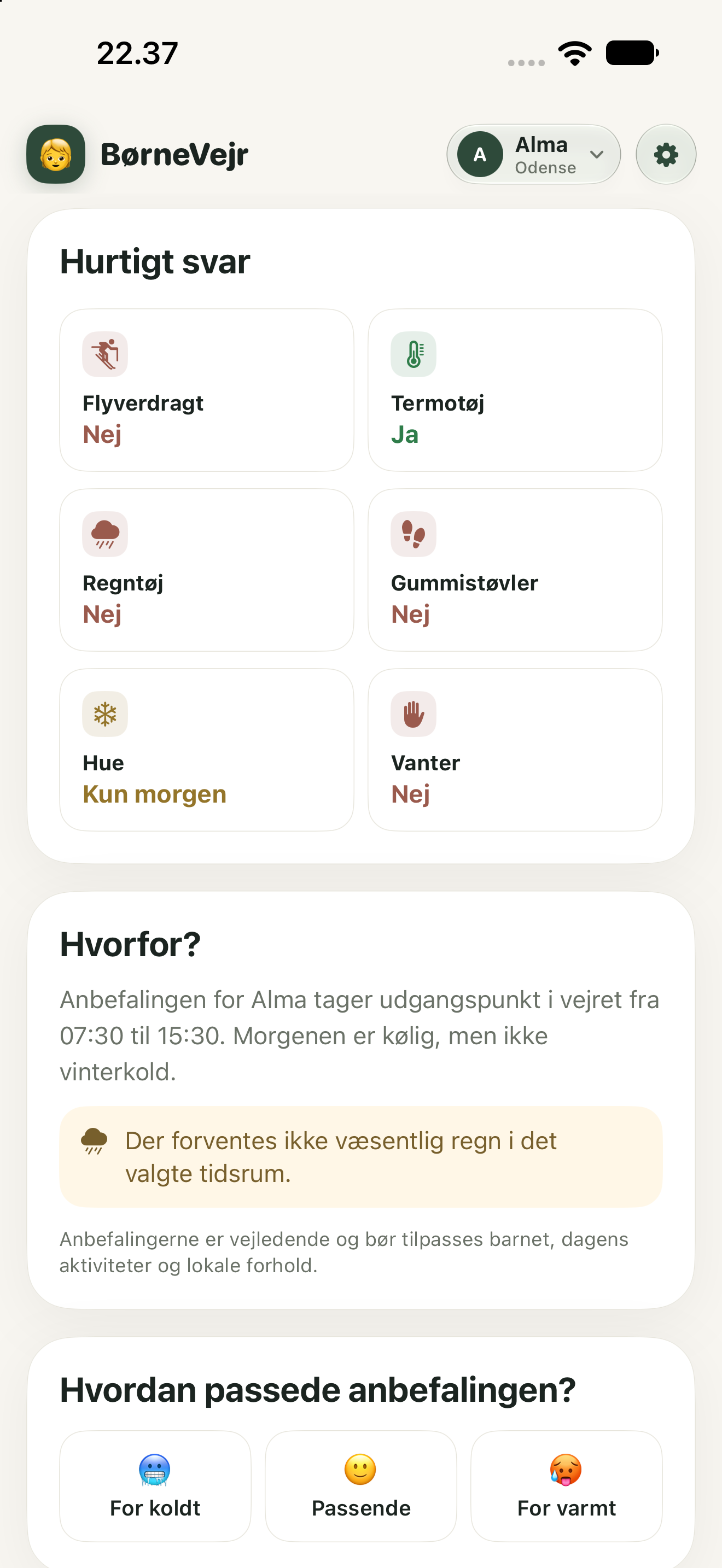
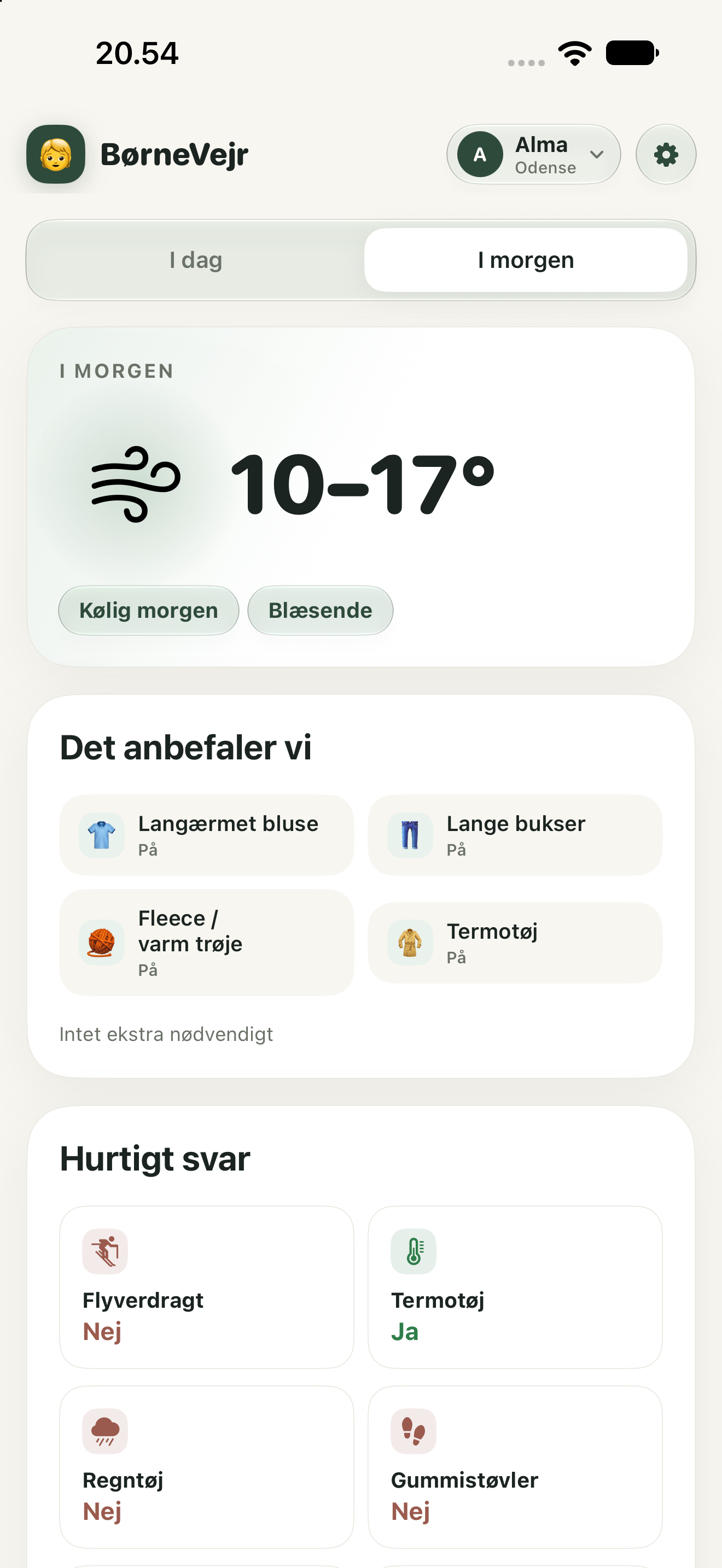
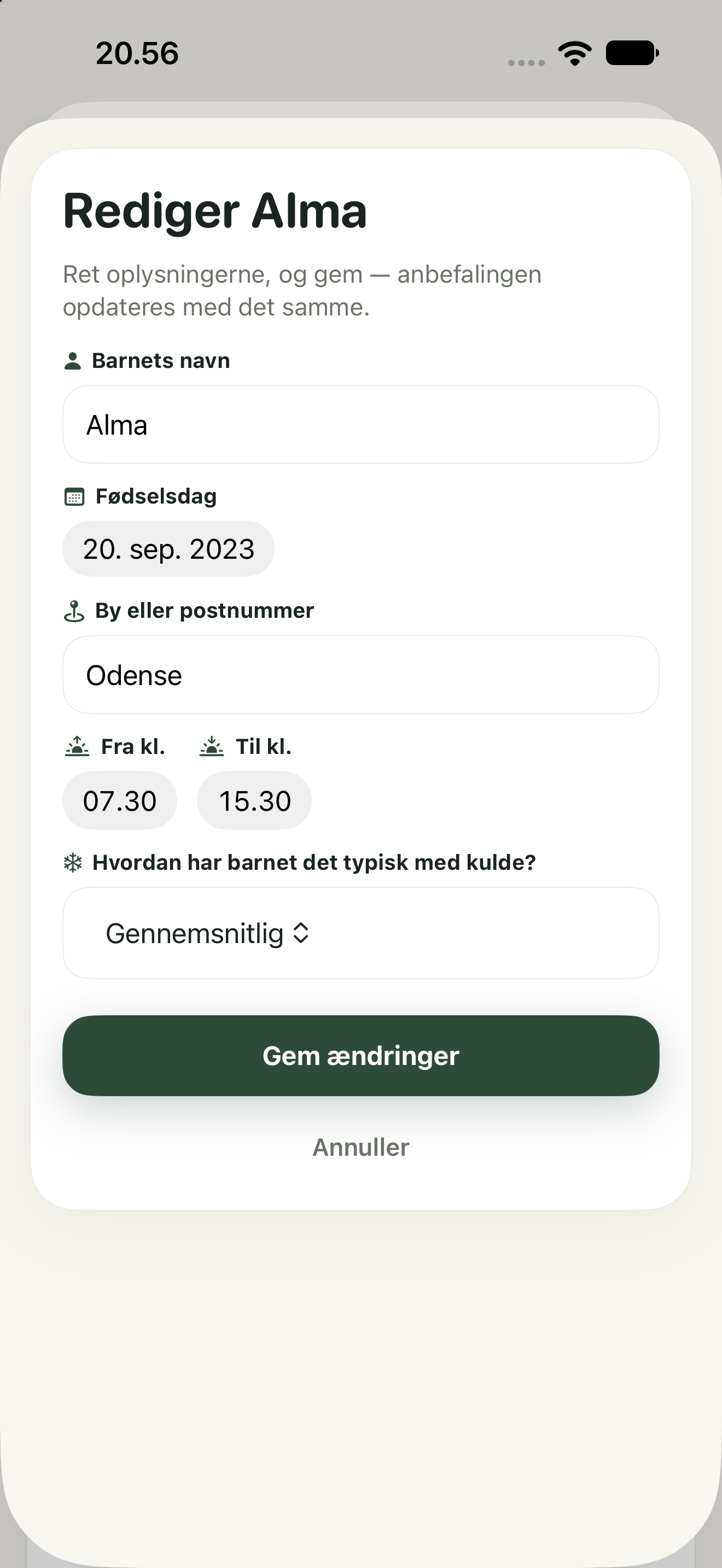
BørneVejr combines the selected city or postcode with Apple Weather/WeatherKit and the child's profile. The recommendation considers temperature, apparent temperature, rain and wind for the selected from/to time window. Sun-protection advice uses the day's UV forecast instead of the selected hours.
Switch between today's and tomorrow's recommendation. The app uses temperature, apparent temperature, rain, wind and UV from Apple Weather/WeatherKit.
Date of birth/age, the selected from/to time window and heat preference are used in the recommendation. From age 7, the app uses more age-appropriate outerwear, such as a winter jacket instead of a snowsuit in relevant scenarios.
The full core experience is free for one child. BørneVejr Plus is a one-time purchase — not a subscription — that only unlocks additional children. The purchase price is retrieved from Apple's StoreKit when purchases are available.
Most issues can be resolved directly in the app. If you still need help, you can contact Sabonex by email.
Check the city or postcode in Settings and make sure the phone has an internet connection. BørneVejr does not request GPS permission and uses the location you entered yourself.
Switch child directly from the top bar. In Settings you can select, edit or delete children and change name, date of birth, city/postcode, the from/to time window and heat preference.
Plus is a one-time App Store purchase for additional child profiles, not a subscription. Apple handles payment; use Restore Purchases in Settings if you already bought Plus. Apple's standard app license applies to App Store distribution unless a custom one is provided. For an Apple-billed purchase, request a refund through Apple; for app or restoration problems, contact support.
BørneVejr 1.0 has no Sabonex account system, backend, analytics, advertising or tracking. Child profiles are stored locally on the device, while Apple system services are used for geocoding, weather lookups and App Store purchases.
Email info@sabonex.com. Please describe what happens, which iPhone model and iOS version you use, and what you have already tried. Avoid sending sensitive information about your child unless it is necessary to explain the issue.